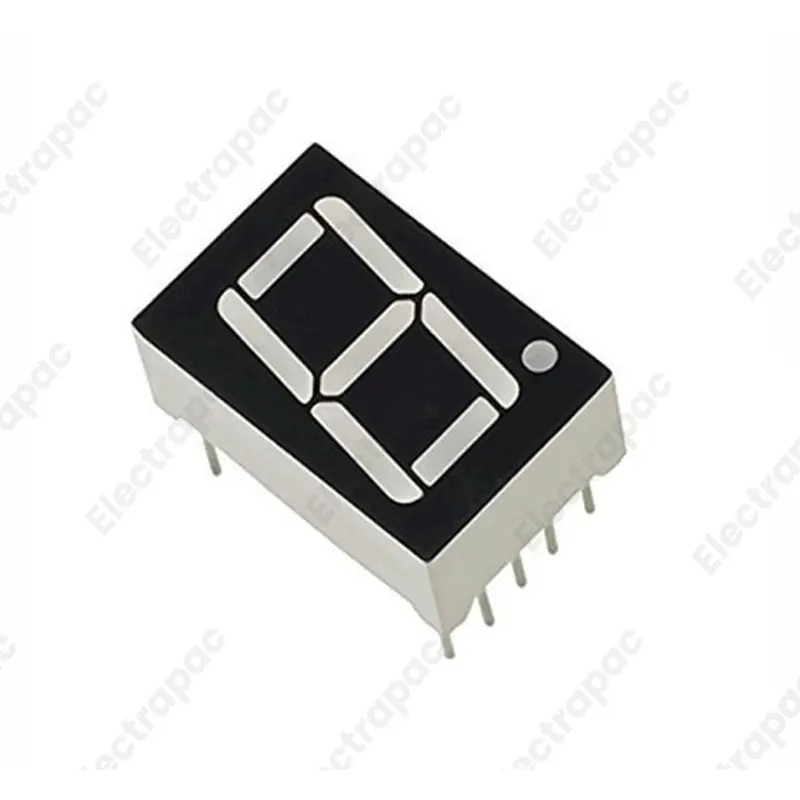
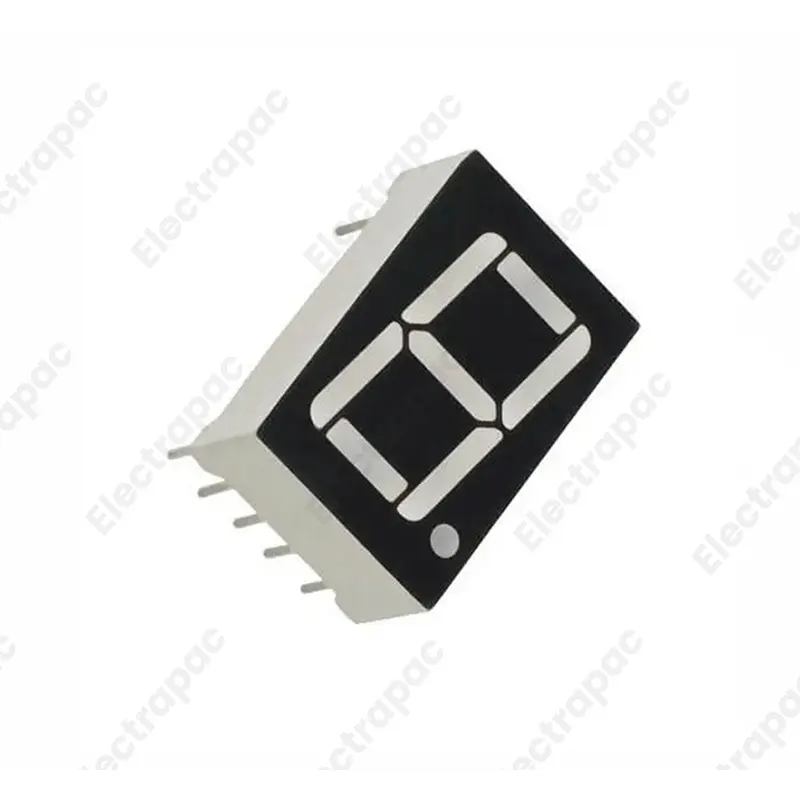
The 0.56-inch Red 7-Segment LED Display is a classic numeric indicator designed for high visibility and long-lasting performance. This Common Cathode module features a shared negative terminal for all LED segments, making it incredibly simple to drive using standard microcontrollers like Arduino, ESP8266, or 8051. Read more
The 0.56-inch 7-Segment LED Display (Common Cathode) is the industry-standard component for displaying numerical data in electronic projects. At Electrapac, we recommend this bright, high-contrast red display for makers in Bangladesh building digital clocks, temperature readouts, or counting systems where visibility and simplicity are key.
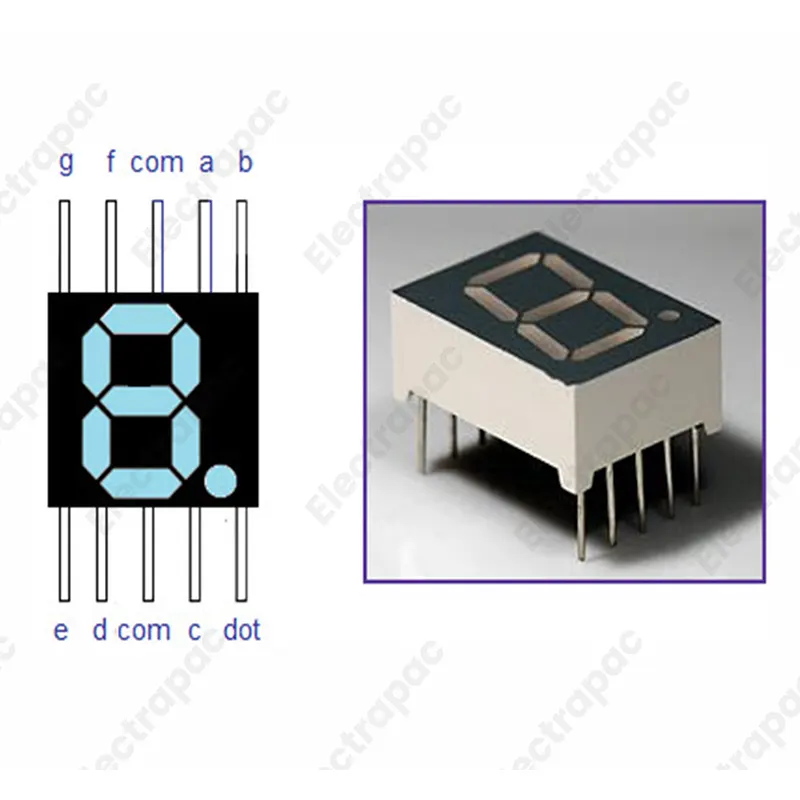
This 7-segment display consists of eight LEDs (seven for the number segments and one for the decimal point) arranged in a figure-eight pattern. In this Common Cathode (CC) configuration, all the negative terminals (cathodes) of the internal LEDs are tied together to a single pin.
Common Cathode Architecture: Perfectly compatible with standard 7-segment driver ICs like the 74HC595 or CD4511, as well as direct Arduino "Logic High" control.
High-Brightness Red Output: Designed to be easily readable from several meters away, even in typical indoor lighting conditions.
Standard 0.56" Size: Fits perfectly into breadboards and universal PCBs, making it the ideal choice for student lab experiments and DIY prototypes.
Low Power Consumption: Each segment draws very little current, allowing you to run a full display from a standard battery or a small power adapter.
Integrated Decimal Point (DP): Includes a dedicated LED for the decimal point, essential for displaying sensor data like temperature (25.6°C) or voltage.
To use the Electrapac 7-segment display safely, you must always use current-limiting resistors for each segment:
Common Pins (Pins 3 & 8): Connect these to the Ground (GND) rail of your power supply.
Segment Pins: Connect pins a through g to your microcontroller digital pins through 220Ω or 330Ω resistors.
Pro-Tip: If you are trying to display multiple digits (like a 4-digit clock), you can use "Multiplexing" or a dedicated driver like the MAX7219.
This allows you to control many displays using only a few pins on your Arduino or ESP32.
Digital Clocks & Timers: Creating custom countdown timers for ovens or sports.
Sensor Readouts: Displaying real-time values from DHT11/22 temperature sensors or ultrasonic rangefinders.
Scoreboards: Building simple lap counters or point trackers for tabletop games.
Industrial Panels: Providing visual feedback for machine status or cycle counts.
Calculator Projects: Learning how binary-coded decimal (BCD) works in early computing.
We source our 7-Segment Displays with uniform LED brightness across all segments to ensure your project looks professional and is easy on the eyes. Visit us at for the visual components that bring your data to life.
| Specifications | Descriptions |
|---|---|
| Display Type | 7 Segment LED |
| Configuration | Common Cathode |
| Digit Height | 0.56 inch |
| LED Color | Red |
| Number of Digits | Single digit |
| Forward Voltage | Approx. 2V per segment |
| Forward Current | Approx. 20mA per segment |
| Package Type | Through-hole |
| Application | Clocks, counters, voltage displays, etc. |
| Package | 1 x 7 Segment LED Display (Common Cathode, 0.56 inch) |

Subscribe to our newsletter and get early access to new arrivals, tech trends, and exclusive unboxing reviews from Electrapac.?