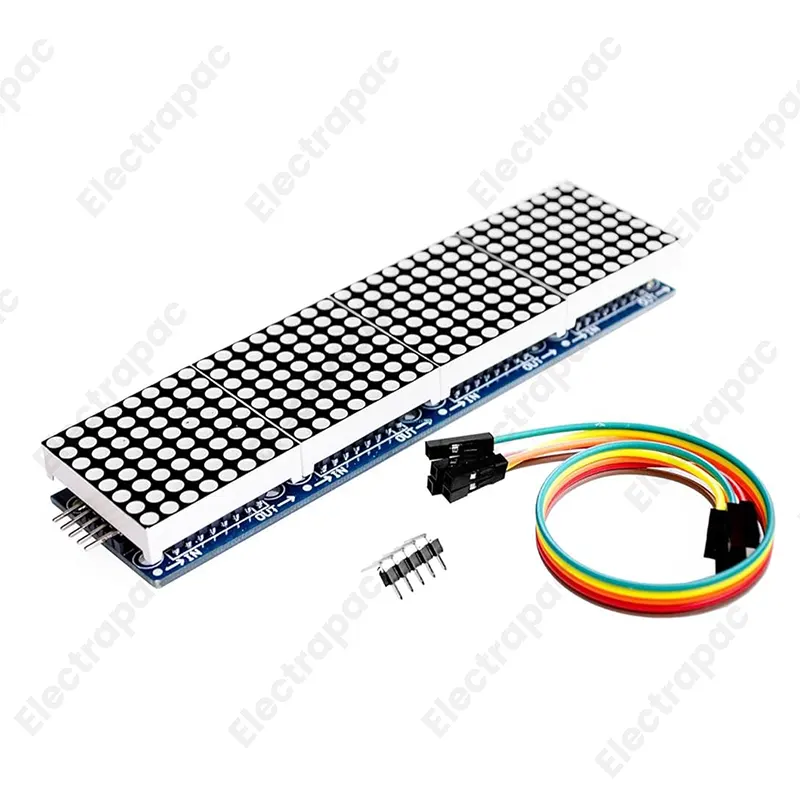
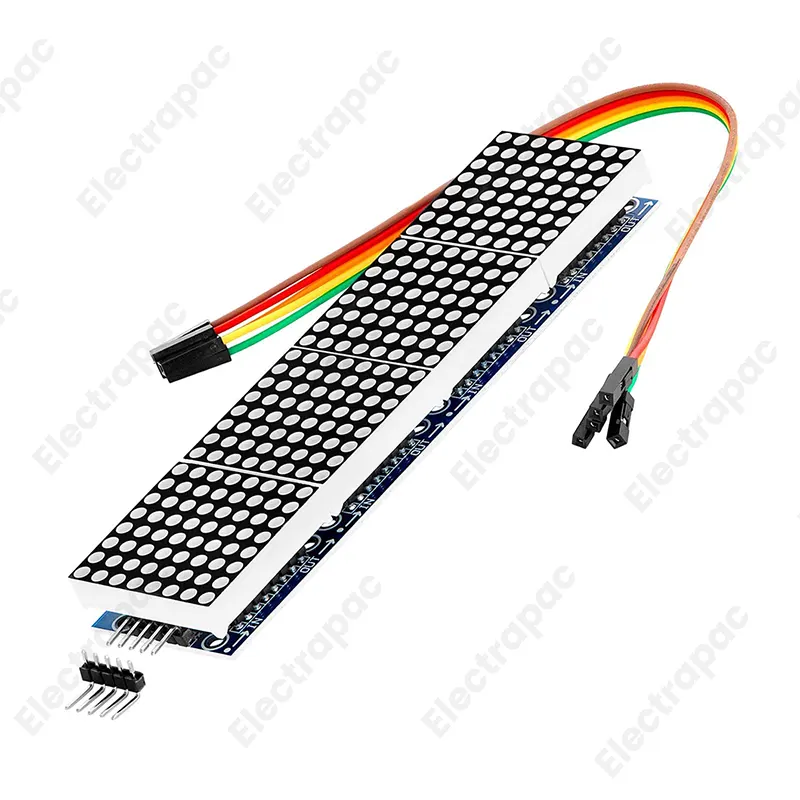
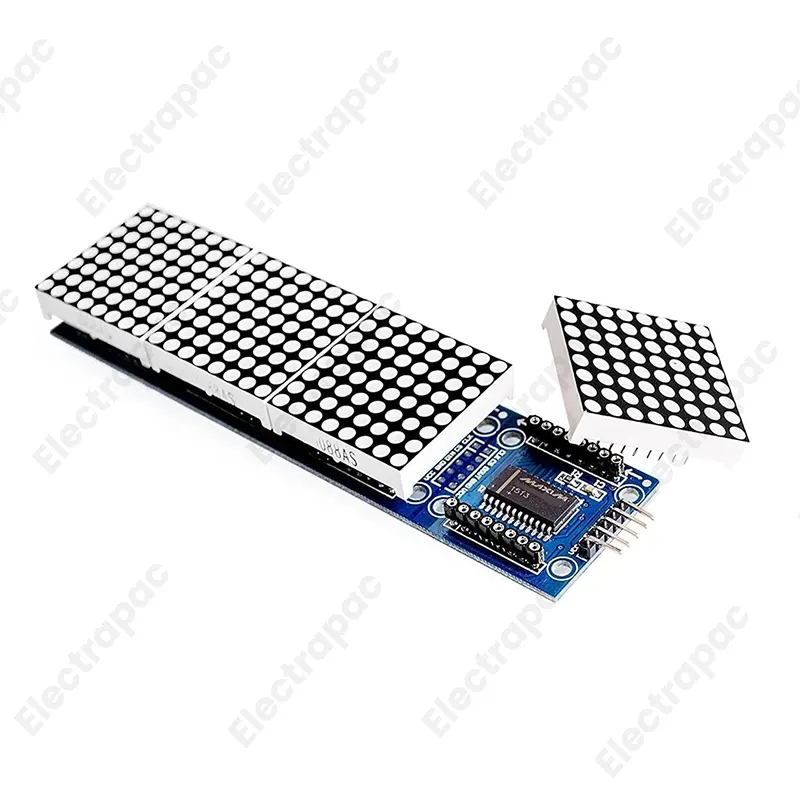
The MAX7219 4-in-1 Dot Matrix Module is a compact, cascaded display unit featuring four 8x8 LED matrices driven by the popular MAX7219 IC. This module allows you to display scrolling text, custom graphics, and animations using only three I/O pins from your microcontroller. It comes with a 5P (5-pin) DuPont line for immediate "plug-and-play" connectivity with Arduino, Raspberry Pi, and other development boards. Read more
The MAX7219 4-in-1 Dot Matrix Module is a powerful, versatile display solution for makers and engineers.
This module combines four 8 x 8 LED matrices into a single, cohesive 32 x 8 display.
Chainable Design: The module features input pins on one side and output pins on the other.
Integrated Driver: The MAX7219 chip takes care of the "heavy lifting" (multiplexing and current limiting), ensuring uniform brightness across all LEDs.
Brightness Control: The intensity of the LEDs can be adjusted via software, allowing you to dim the display for night use or brighten it for daylight visibility.
Single-Row Layout: The sleek, horizontal form factor is perfect for scrolling "ticker" tapes, digital clocks, and status messages.
Includes 5P Line: Every module from Electrapac comes with a 5-pin female-to-female DuPont cable, making it ready to plug into your project immediately.
To get your display running, connect the module to your microcontroller using these pins:
VCC: Connect to +5V.
GND: Connect to Ground.
DIN (Data In): Connect to a Digital Pin (e.g., Arduino Pin 11).
CS (Chip Select): Connect to a Digital Pin (e.g., Arduino Pin 10).
CLK (Clock): Connect to a Digital Pin (e.g., Arduino Pin 13).
Electrapac Tech Tip: For the best coding experience, use the "MD_Parola" or "LedControl" libraries in the Arduino IDE. These libraries make scrolling text and custom character generation incredibly simple.
Digital Clocks: Displaying time, date, and temperature in a modern, retro-tech style.
Information Tickers: Scrolling live stock prices, news headlines, or social media notifications.
Robotics: Adding "facial expressions" or status eyes to your robot.
Scoreboards: Keeping track of points for tabletop games or sports.
Industrial Monitoring: Displaying real-time sensor data like "CO2 Levels" or "System OK" in a workshop.
We test our MAX7219 Modules to ensure all 256 LEDs are fully functional and the headers are soldered straight for easy cascading. Visit us at for the visual components that give your data a voice.
| Specifications | Descriptions |
|---|---|
| Display Type | 8x8 Dot Matrix (Common Cathode) |
| Module Count | 4 IN 1 |
| Operating Voltage | 5V |
| Dimensions | 12.8 x 12.8 x 1.3 cm |
| Fixing Holes | 64 holes, 3mm diameter each |
| Interface | Input/ Output pins for daisy chaining |
| Connection Cable | 5P line included |
| Driver Chip | MAX7219 |
| Package | 1 x MAX7219 Dot Matrix 4 In One Display Module with 5P Connection Cable |

Subscribe to our newsletter and get early access to new arrivals, tech trends, and exclusive unboxing reviews from Electrapac.?