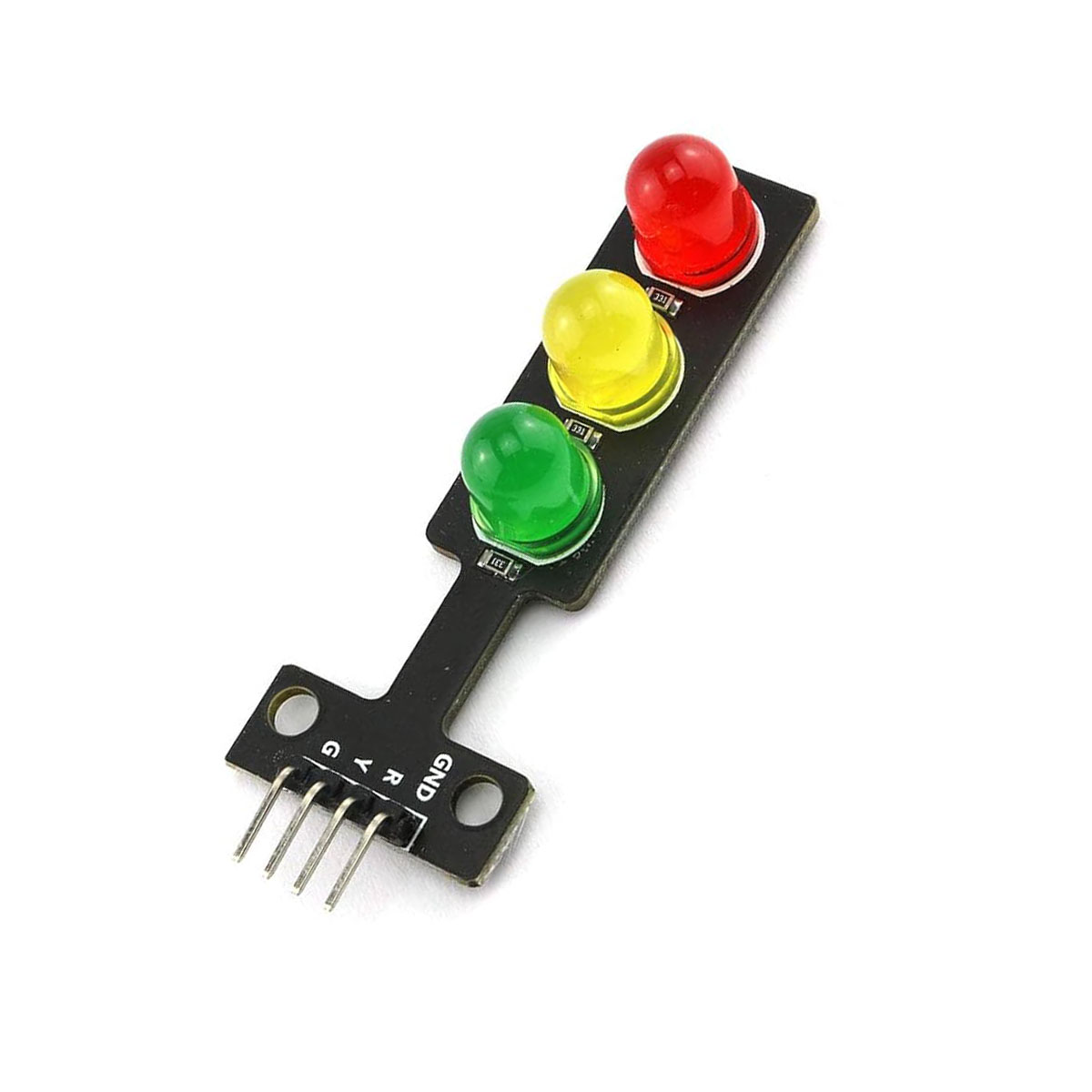
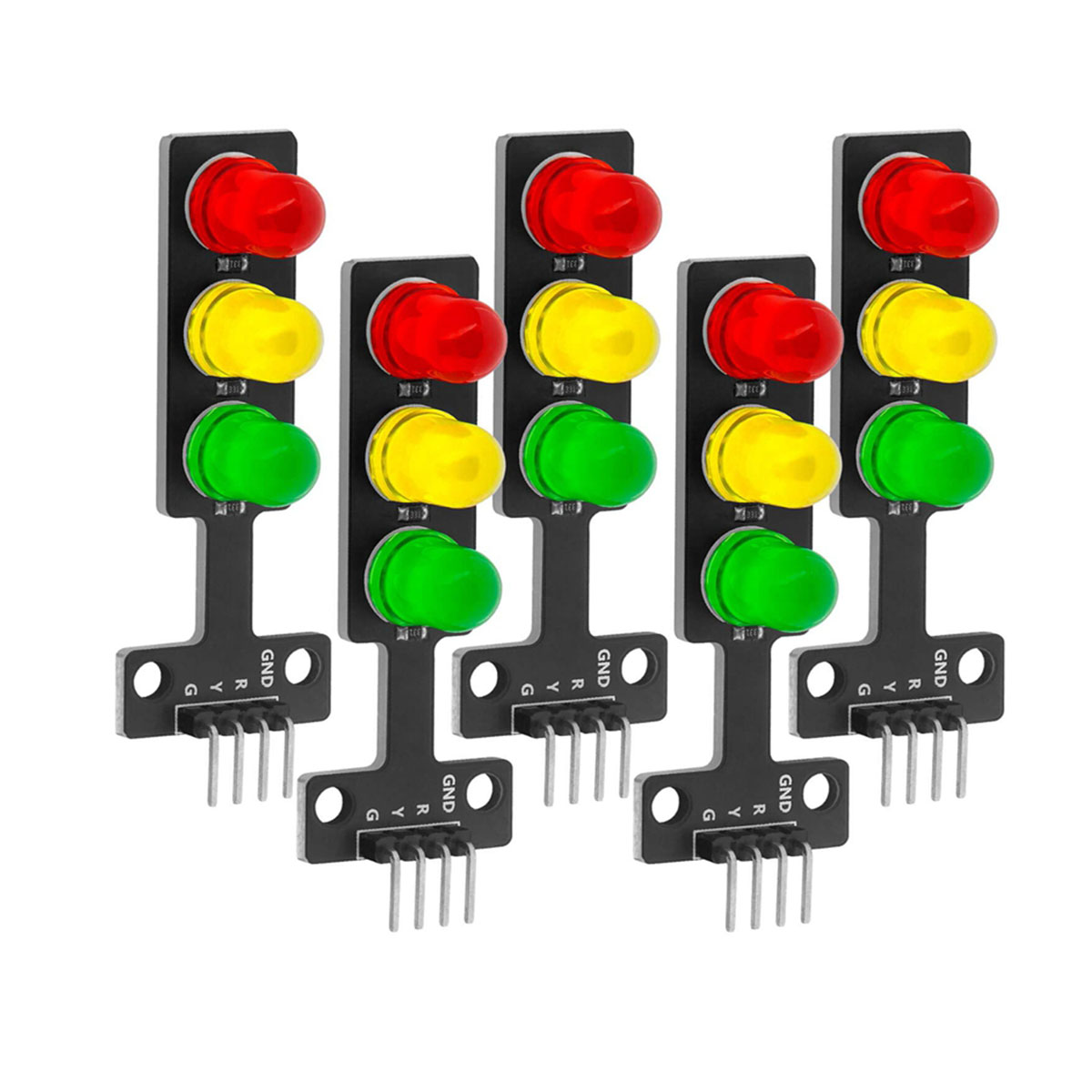
Bring your automation projects to life with the Mini Traffic Light LED Module. This compact display features three high-brightness 10mm LEDs (Red, Yellow, and Green) designed for easy integration with microcontrollers like Arduino, ESP32, and D1H9 boards. Its common cathode design makes it a breeze to wire, allowing you to simulate real-world traffic signals or status indicators in seconds. Read more
The Mini 5V Traffic Light LED Display Module is a perfect educational and prototyping tool for simulating real-world traffic control systems. At Electrapac, we recommend this compact module for students and hobbyists in Bangladesh who are learning to code with Arduino, ESP32, or Raspberry Pi, as it provides a clear, visual way to master timing logic and GPIO control.
This module features three high-brightness 8mm LEDs in the classic Red, Yellow, and Green traffic configuration. Unlike wiring individual LEDs with messy resistors, this module integrates everything onto a single, slim PCB. It is designed with a Common Cathode configuration, meaning you only need one ground pin and three signal pins to control the entire unit.
Breadboard Friendly: The slim design and standard 2.54mm pin header allow it to plug directly into a breadboard or connect via female-to-male jumper wires.
Integrated Resistors: No need to calculate or add external resistors. The board is pre-configured to handle 3.3V or 5V logic safely without burning out the LEDs.
Dual Voltage Compatibility: Works perfectly with 5V boards like the Arduino Uno and 3.3V boards like the ESP8266, ESP32, and Raspberry Pi.
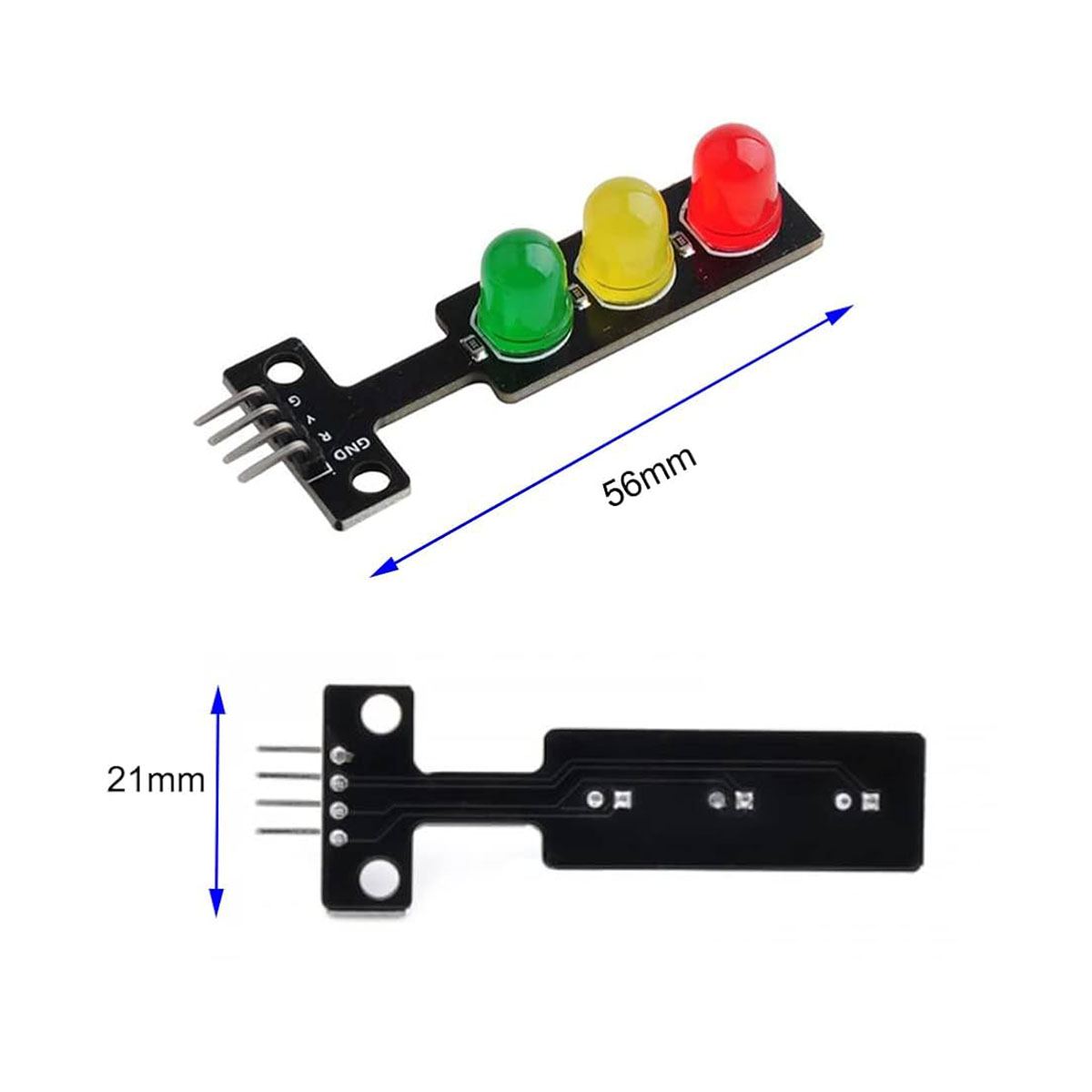
Clear Identification: Each pin is clearly labeled on the PCB (GND, R, Y, G), making wiring errors nearly impossible for beginners.
High Contrast: Uses 8mm LEDs which are larger and brighter than standard 5mm LEDs, making them visible even in well-lit classrooms or workshops.
Setting up the Electrapac Traffic Light module is incredibly simple. Connect it as follows:
GND Pin: Connect to the Ground (GND) pin of your microcontroller.
R Pin: Connect to a Digital Pin (D13) to control the Red light.
Y Pin: Connect to a Digital Pin (D12) to control the Yellow light.
G Pin: Connect to a Digital Pin (D11) to control the Green light.
Pro-Tip: When programming your "Traffic Cycle," remember to use the
delay()function to mimic real-world timing. Start with Green for 5 seconds, Yellow for 2 seconds, and Red for 5 seconds to create a realistic sequence.
STEM Education: Teaching children and students the basics of digital logic and programming loops.
Smart City Prototypes: Simulating automated traffic flow for university engineering projects.
Status Indicators: Using the three colors to represent different states of a machine (e.g., Green = Running, Yellow = Standby, Red = Error).
Interactive Toys: Building custom play-sets or model train signals.
Visual Alerts: Connecting to a Wi-Fi module to show the status of a website or a server.
We source our Traffic Light Modules with high-quality PCB substrates and uniform-brightness LEDs to ensure your educational projects look as professional as possible. Visit us at
| Specifications | Descriptions |
|---|---|
| Operating Voltage | 3.3V to 5V (Compatible with Arduino, ESP8266, Raspberry Pi) |
| Interface | Digital (High/Low) |
| LED Size | 8mm or 10mm (depending on specific D1H9 variant) |
| Communication | Common Cathode (Negative Pole) |
| Pinout | GND (Ground), R (Red), Y (Yellow), G (Green) |
| Package | 5V Traffic Light LED Display Module |

Subscribe to our newsletter and get early access to new arrivals, tech trends, and exclusive unboxing reviews from Electrapac.?